
Home
The Productivity Problem I Couldn't Figure Out
For years I blamed my laptop for every productivity problem. The real fix turned out to be a better workspace, starting with a monitor.
By The Venuvella Edit
Published October 8, 2026
For years, I thought my laptop was the problem.
When spreadsheets felt cramped, I blamed the laptop. When I had twenty browser tabs open and couldn't find anything, I blamed the laptop. When my eyes felt exhausted after a long day, I blamed the laptop.
So naturally, I did what most people do. I started looking at expensive laptop upgrades.
- MacBooks
- Ultrabooks
- Business laptops
- Gaming laptops
I spent hours comparing processors, RAM, and benchmarks
Then one day I connected my laptop to a proper monitor. Everything changed.
- Suddenly I could see multiple windows at once.
- Text looked sharper.
- My neck hurt less.
- My desk felt less chaotic.
And I realized something important:
Most people don't need a faster computer. They need a better workspace.
The First Upgrade That Changed Everything
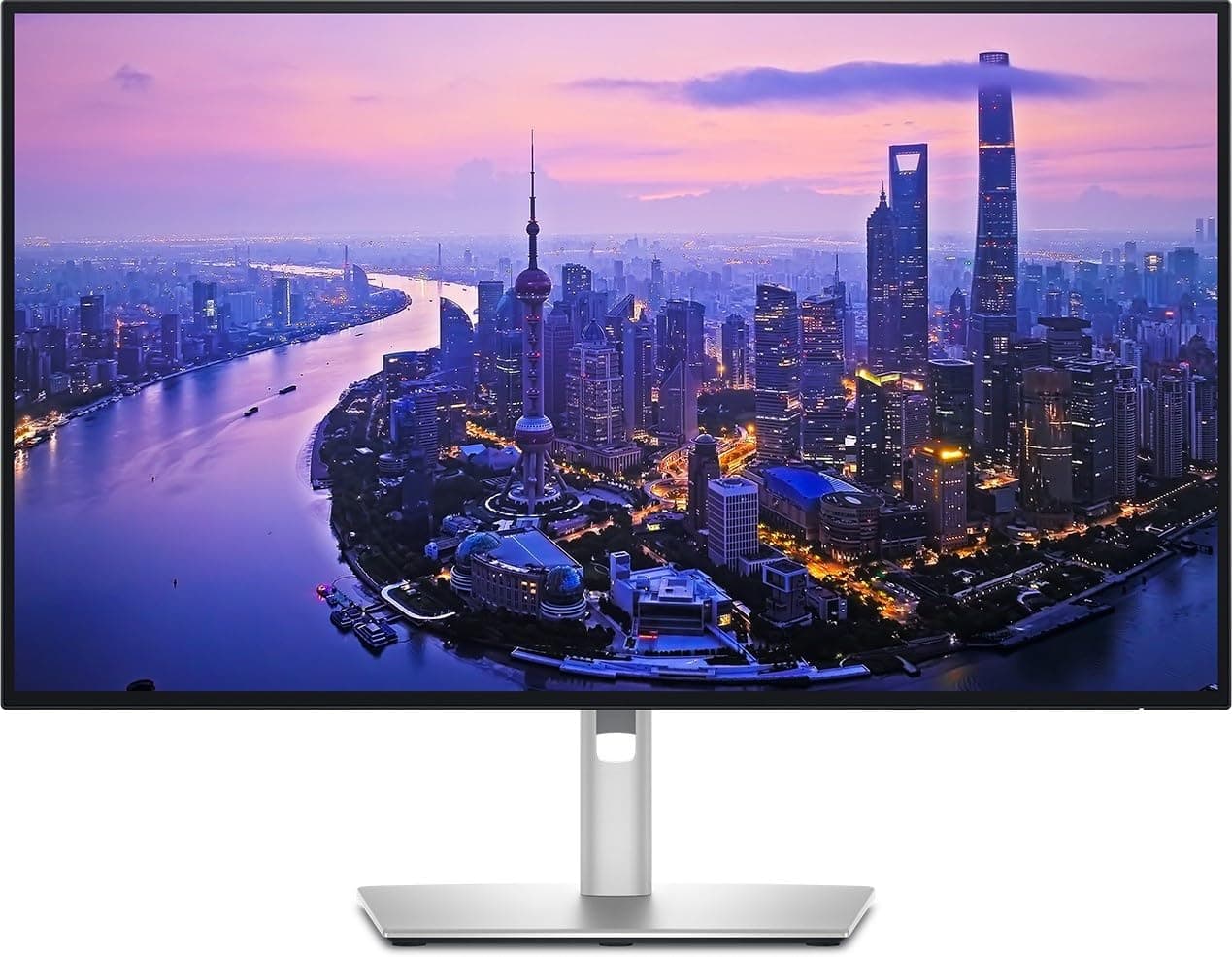
The first monitor I bought was a 27-inch 4K display. I expected a bigger screen. What I didn't expect was how much easier work became.
- Documents became easier to read.
- Spreadsheets required less scrolling.
- Research became faster because multiple windows could sit side-by-side.
Modern productivity-focused monitors now offer features like USB-C docking, Thunderbolt connectivity, KVM switches, and one-cable laptop charging, turning a monitor into the central hub of an entire workspace.
The Dell UltraSharp U2725QE is built around exactly this idea, with a 4K panel, a Thunderbolt 4 hub, a built-in KVM switch, and laptop charging over a single cable.
Venuvella pick
From this story
The Things You Touch All Day
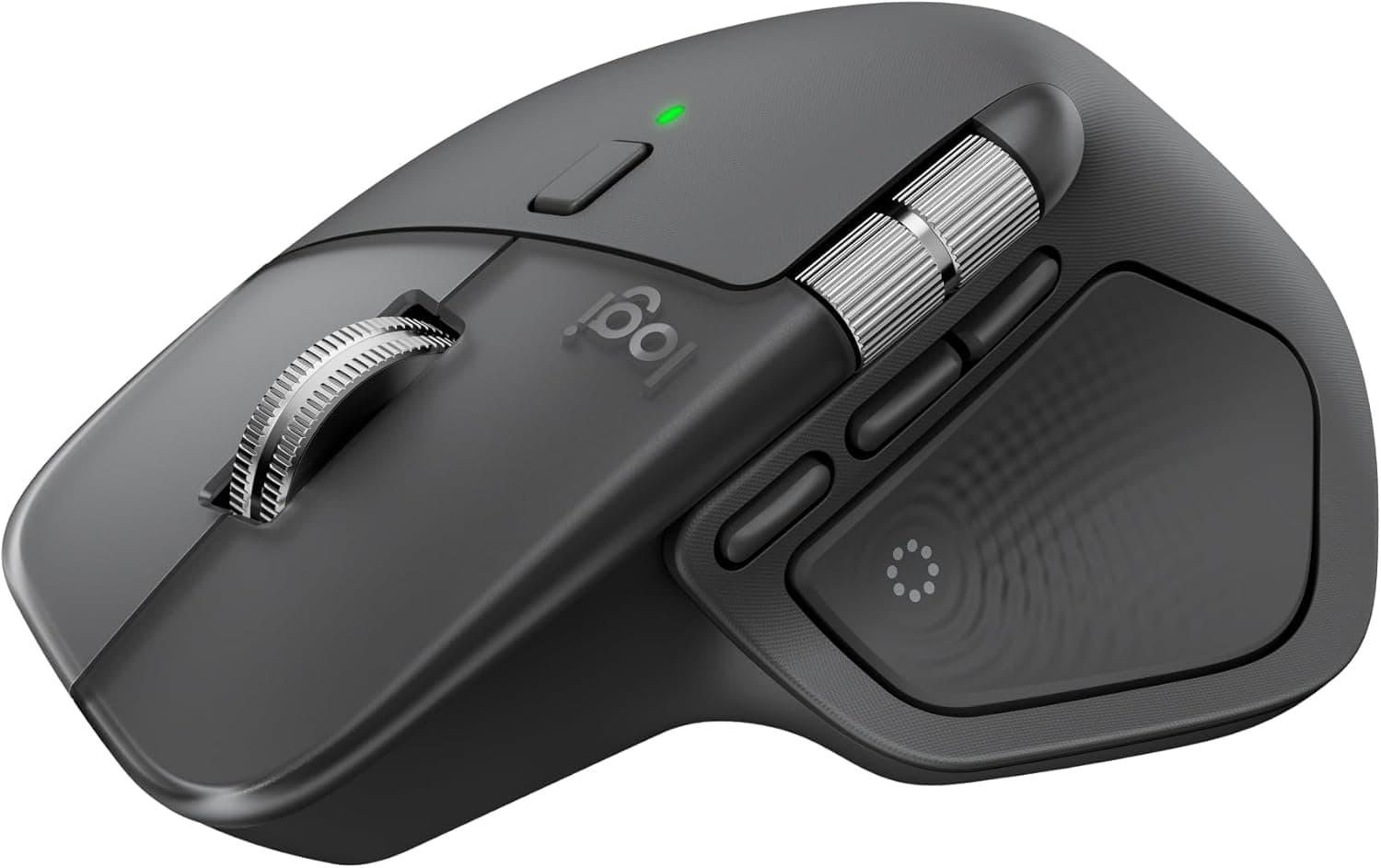
Once the screen was sorted, I started noticing everything else on my desk. Your mouse and keyboard are the two things you touch for hours, so small improvements here add up. A mouse with programmable shortcuts can save clicks, and a comfortable keyboard makes long writing sessions easier.
Venuvella pick
From this story
Venuvella pick
From this story

Raise the Screen to Eye Level
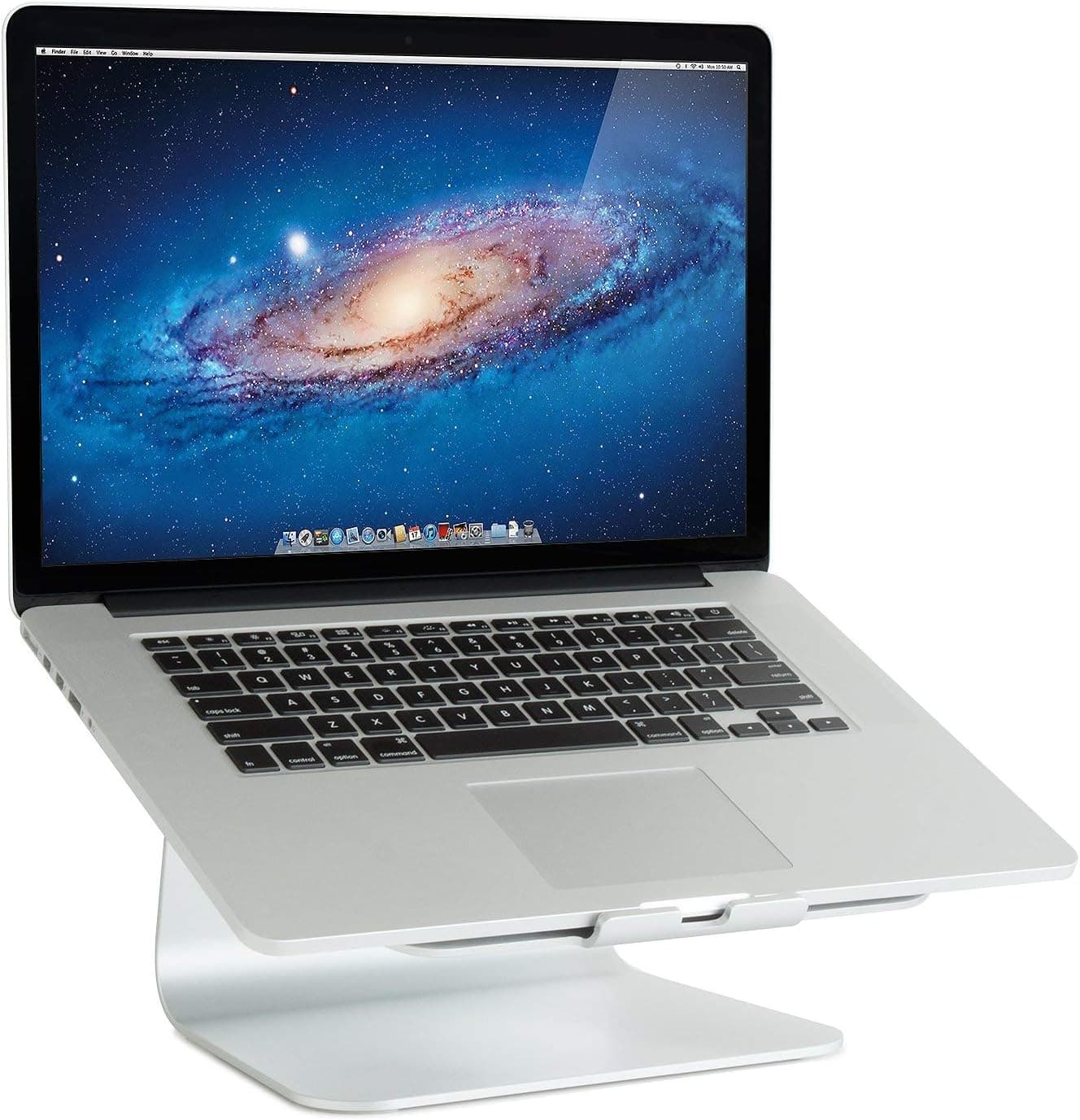
Many people look down at their screens all day, and your neck can feel it. Raising a screen closer to eye level is one of the simplest comfort fixes. A monitor arm gives you flexible positioning and clears desk space. A laptop stand does the same for a laptop, though you will want a separate keyboard and mouse with it.
Venuvella pick
From this story

Venuvella pick
From this story
If you buy a monitor arm, check that your monitor is compatible with VESA mounts and that the arm supports its weight.
Fix the Lighting
Bad lighting can cause tired eyes just as much as a bad screen. A light that mounts on top of your monitor puts light on your desk instead of on the screen, so you can read and write without glare.
Venuvella pick
From this story

Quiet the Noise
Focus is hard in a noisy home or shared office. Noise-cancelling headphones reduce background sound, and good built-in microphones make calls clearer too.
Venuvella pick
From this story

Look Better on Calls
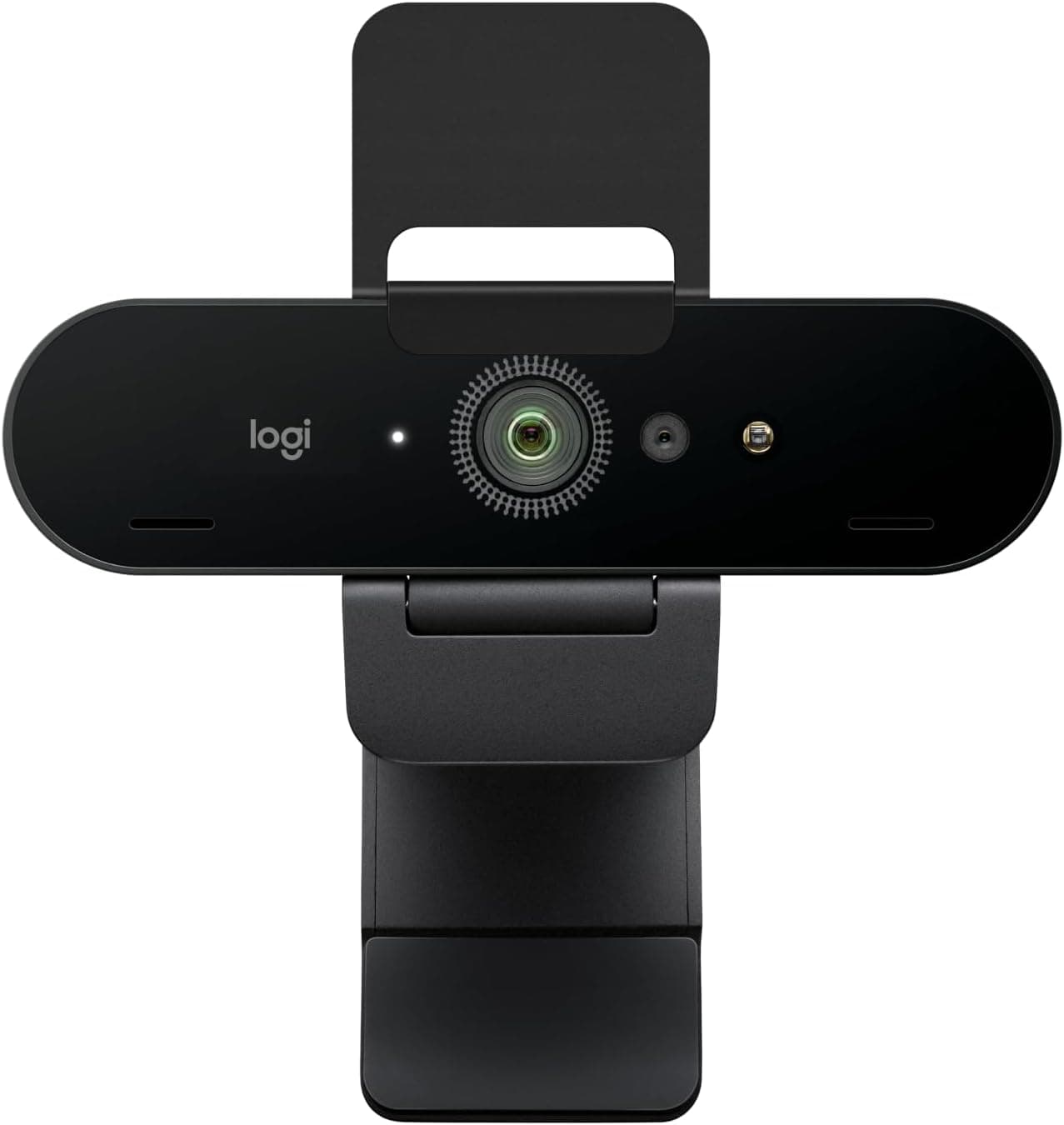
Most laptop webcams are fine, but they are rarely great. A dedicated webcam can give you a sharper, better-lit picture, which matters if you spend much of your day on video calls.
Venuvella pick
From this story
Sit and Stand Comfortably
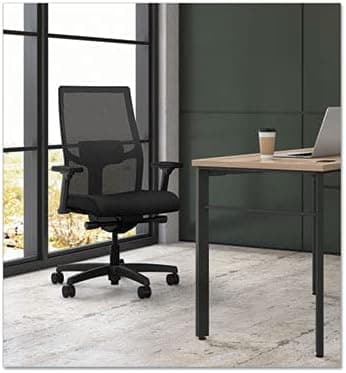
Even a good setup is tiring if you sit in one position all day. A height-adjustable desk lets you change position, and a supportive chair makes long days easier on your back. These are bigger investments, so they are worth trying in person or checking return policies first.
Venuvella pick
From this story

Venuvella pick
From this story
Where to Start
- Start with a proper monitor, as the biggest change.
- Raise the screen to eye level with an arm or stand.
- Fix your lighting so your eyes are less tired.
- Upgrade your mouse and keyboard.
- Add headphones, a webcam, or a better desk and chair when you are ready.
You don't need to buy everything at once. Fix the biggest frustration first, and see how much better your work feels. Prices and availability change often, so check the current details at the retailer before you buy.
Related reading
More from Home
Smart Home Gadgets That Make Daily Life Smoother
The best home tech disappears into your routine. Four useful gadgets for lighting, voice control, cleaning and the perfect cup of something hot.
Read articleHow to Make Your Bedroom Feel Calmer: Four Small Upgrades
A calmer bedroom doesn’t need a renovation. Four small upgrades to bedding, pillows and lighting can make your room a better place to wind down.
Read articleEasy Ways to Refresh Your Bedroom
Small, considered changes that can make an everyday space feel new again.
Read article